I contributed to an existing company asset ingest pipeline by developing and integrating tools for Maya and Unreal Engine. These tools helped streamline asset creation, validation, publishing, lookdev, and approval workflows for artists and production teams.
Key Features
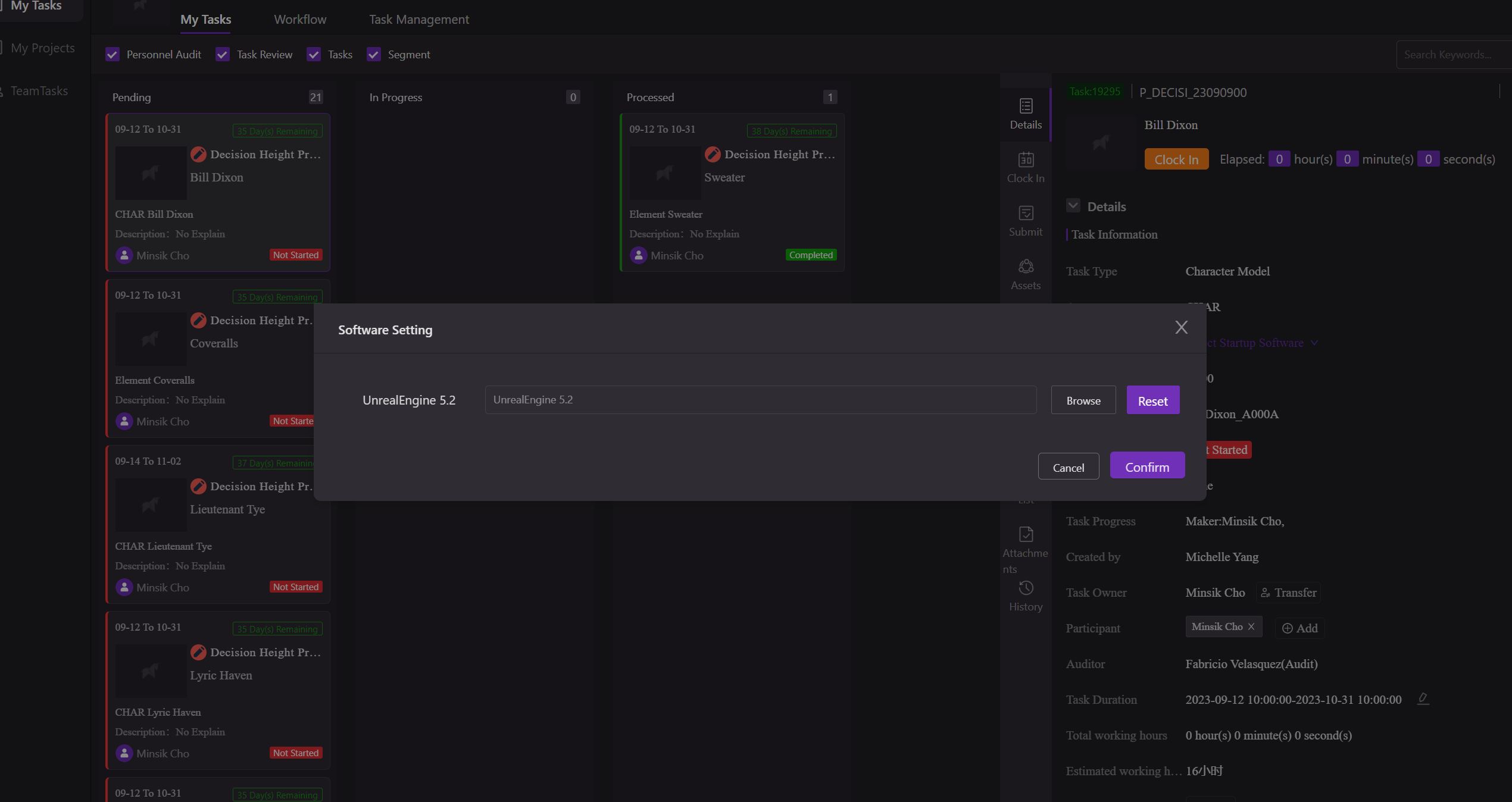
Web App Side
- Starts asset tasks from the production tracking system.
- Launches the correct DCC software with the appropriate project settings.
- Connects task information with downstream DCC and Unreal Engine workflows.
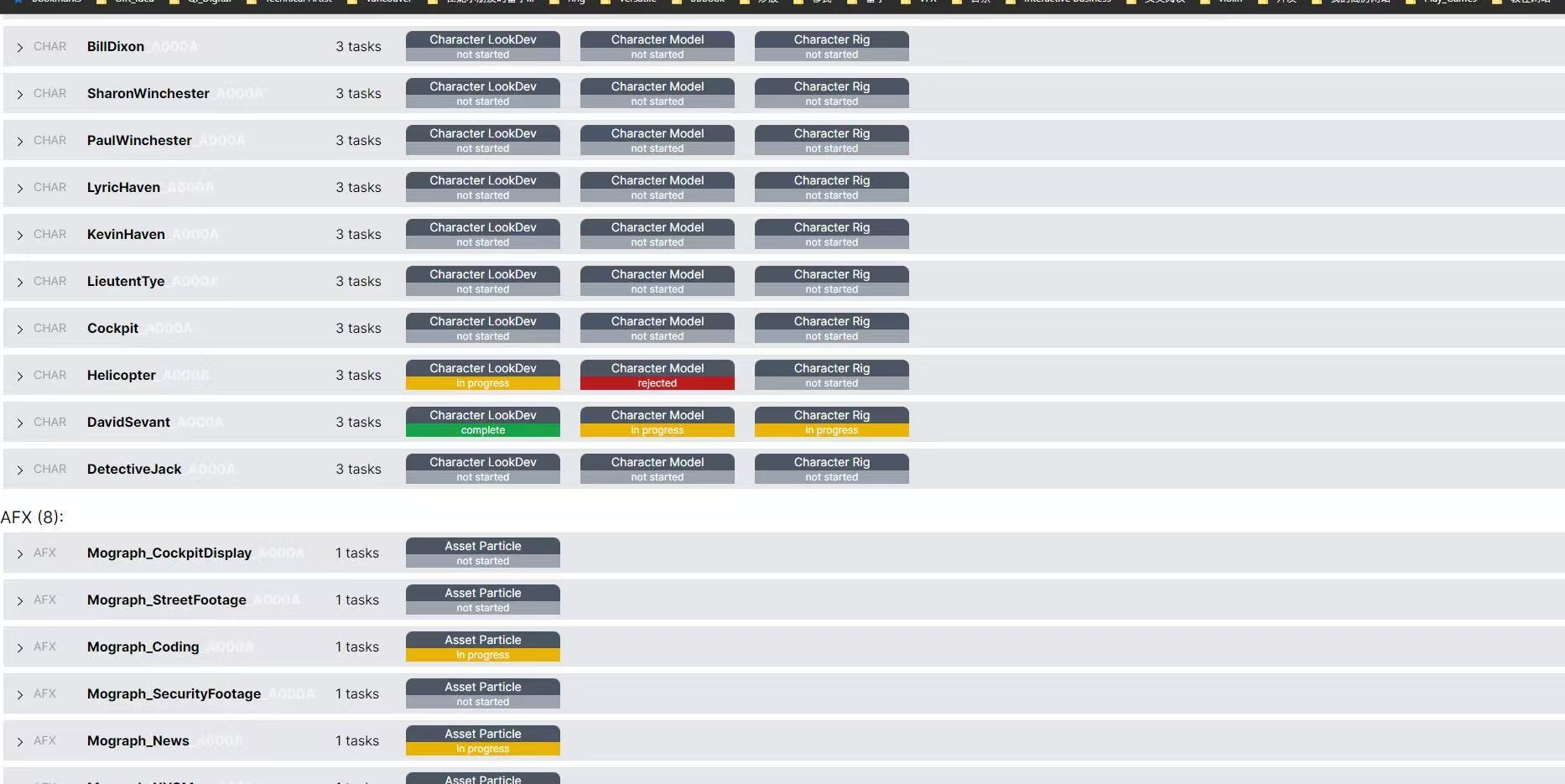
I also developed an asset monitoring page for internal team use. The main pipeline tool already included a similar asset page, but the Vancouver team had several specific requirements, so I built this front-end app using the same backend interface.
Maya Tools
- Initializes an empty workspace for new asset creation.
- Connects to the production database to accept and start assigned tasks.
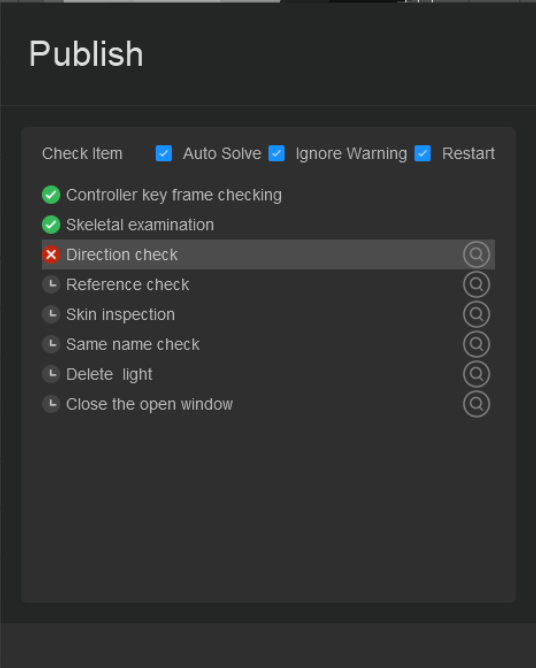
- Provides asset submission tools that run validation checks and flag potential issues.
- Publishes Maya project files and exports the required asset files for downstream use.
- Supports referencing or importing existing assets from the production database.
- Allows artists to capture snapshots and add comments during submission.
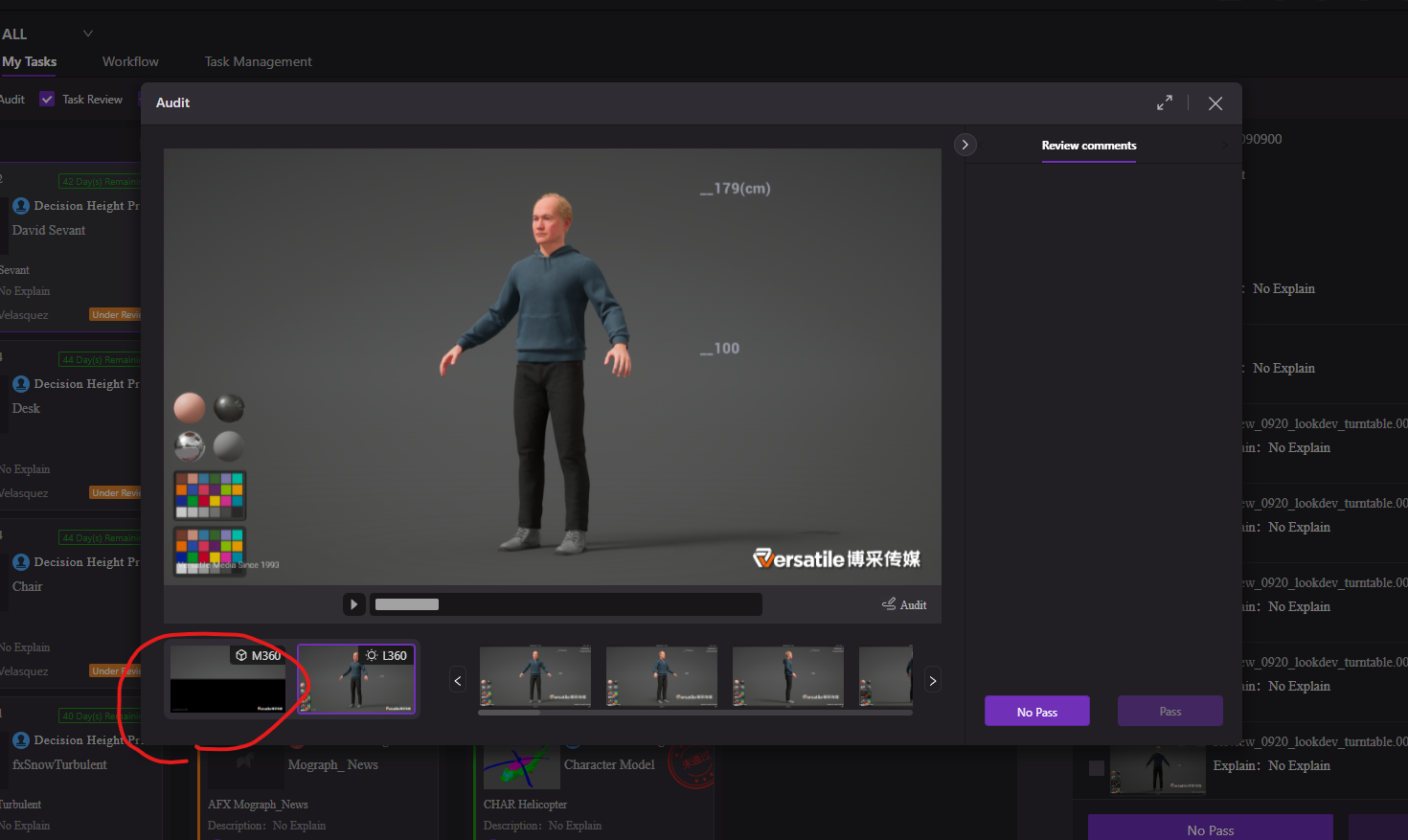
- Communicates with the production tool API to update task status for the approval system.
Unreal Engine Tools
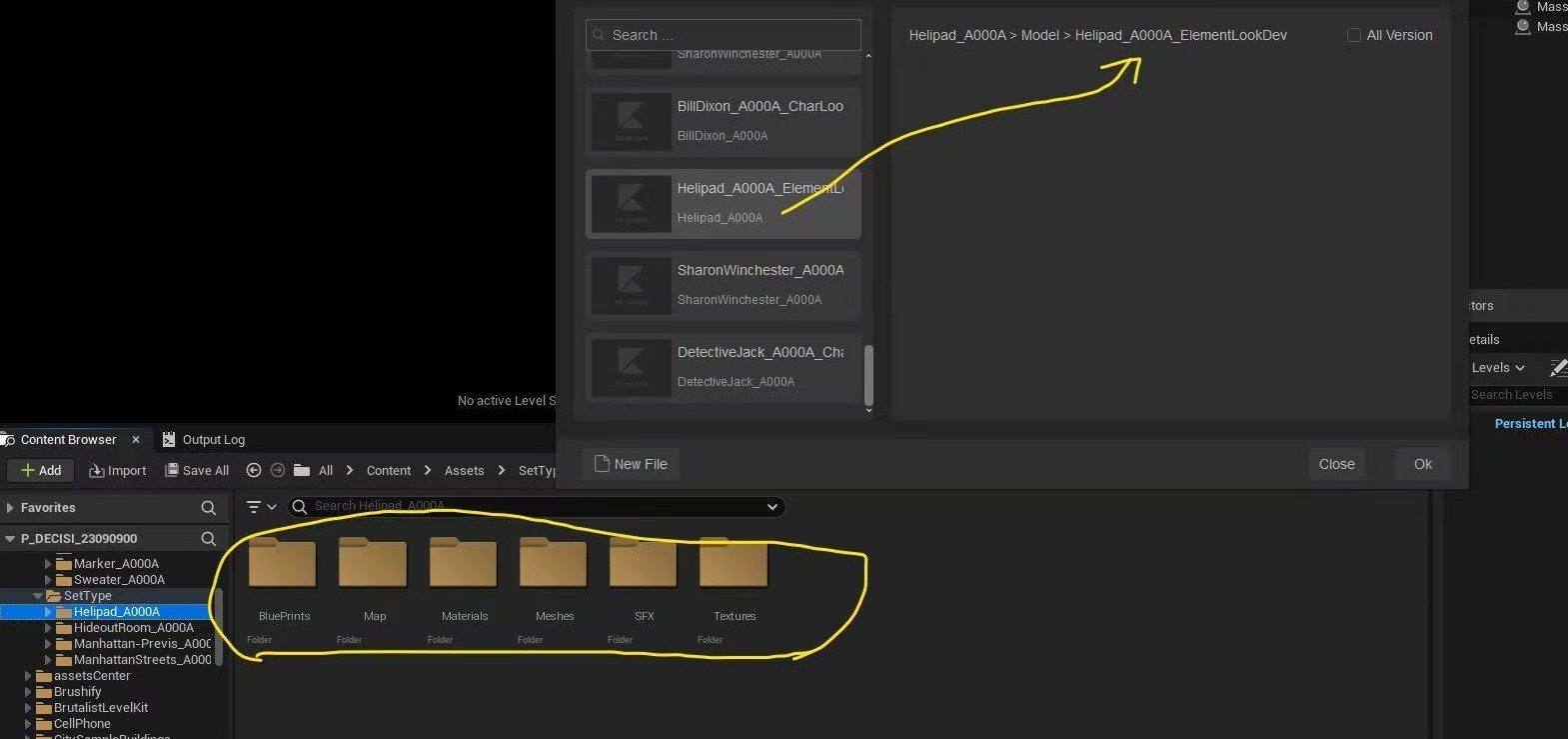
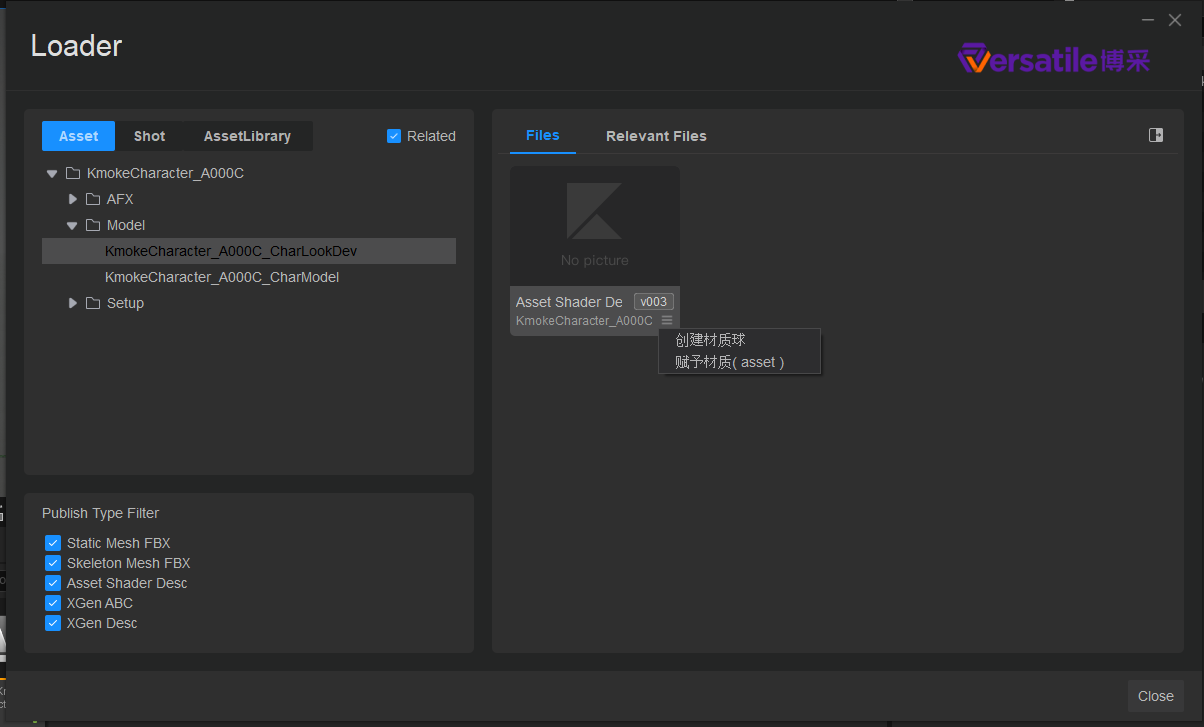
- Imports assets into the correct project location based on the pipeline structure.
- Automatically assigns master materials and applies the correct texture maps.
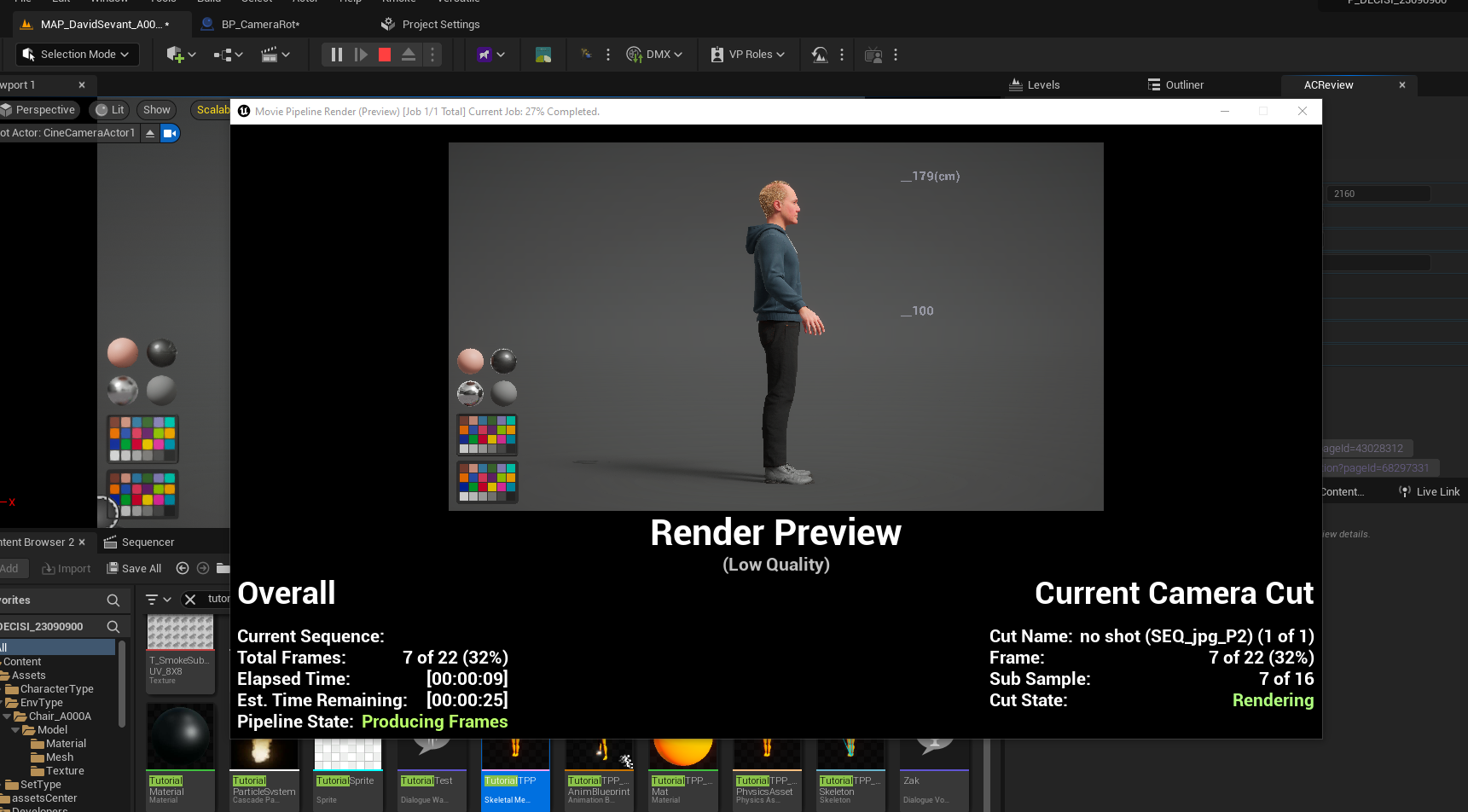
- Creates a lookdev level and Level Sequencer setup for each imported asset.
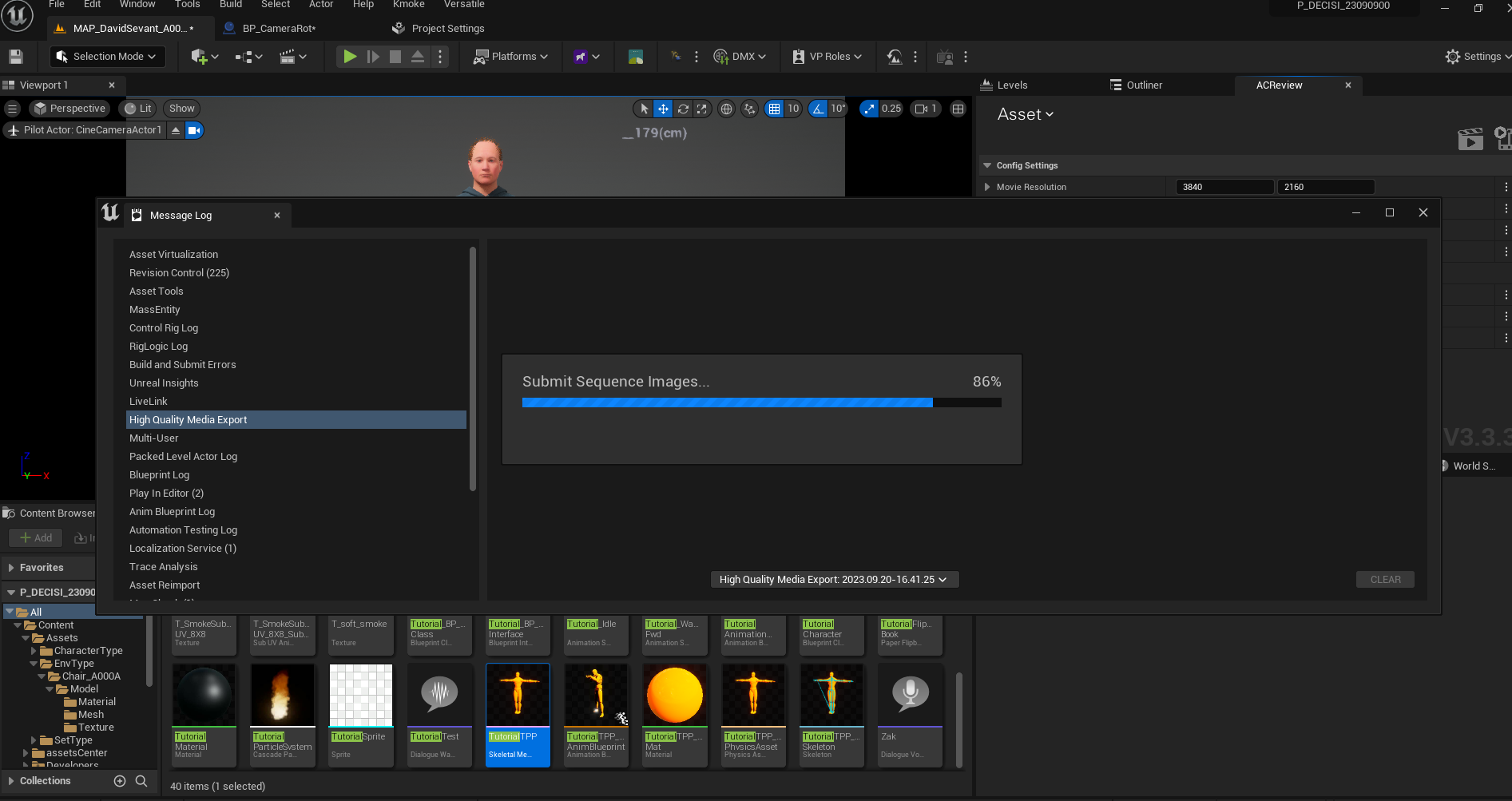
- Provides tools to render turntable animations for review.
- Communicates with the production tool API to update task status for the approval system.