Why not unreal?
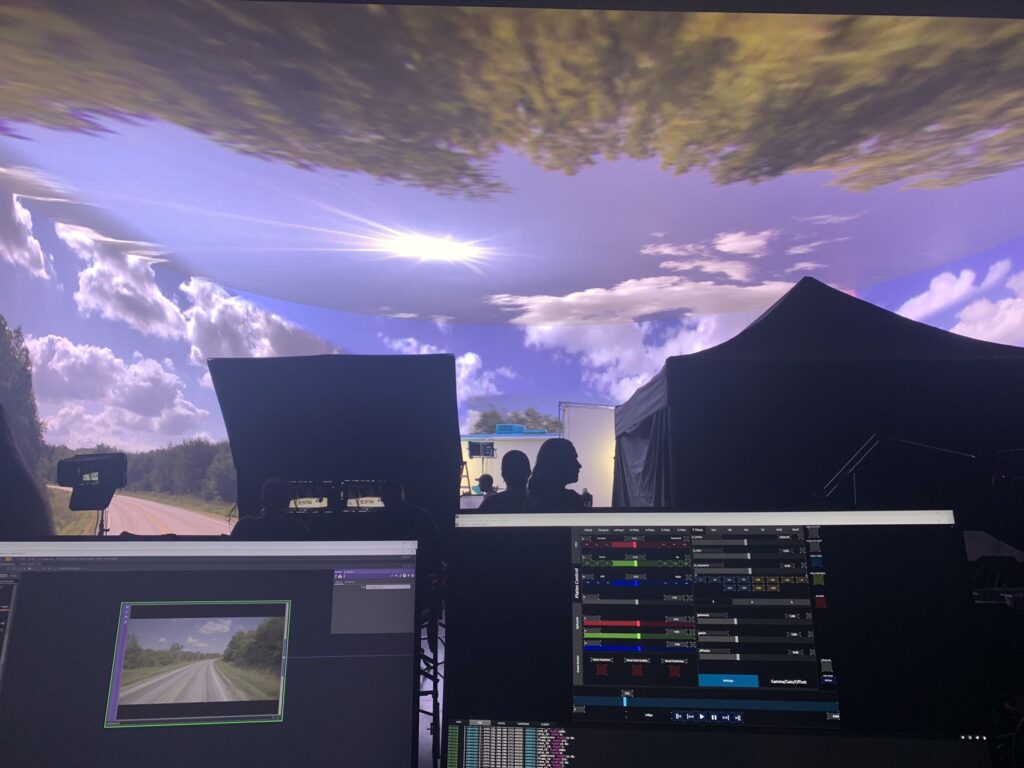
For visual production project, some works require playing multiple high-res media plate at sametime on the LED wall. Although Unreal has it’s own media play system, it have difficulty when playing multiple high-res media at same time, which result of occationly glitching, skip frame and stuttering.
Unreal is designed to render massive real-time 3D worlds with complex lighting and shading. For tasks like media playback and visual control, it often feels like bringing a tank to a bicycle race.
Unreal has Bink but it’s not realistic to convert multiple quite long high-res video to bink format, also the color space is limited.
Unreal has exr image sequence support, which solved the color space issue, but file size is huge, put a great stress on machine IO and data management.
Unreal doesn’t support Notch yet, a good codec which balance the quality and file size.
Why TouchDesigner?
TouchDesigner, on the other hand, is widely used in large-scale live events as a real-time visual engine. It is proven to be stable, efficient, and highly suitable for media playback scenarios. Especially for on-set needs, TouchDesigner allows rapid prototyping and flexible integration of new features, making it an ideal choice for high-pressure production environments.
And it is fun to create an Ndisplay like system and bunch of virtrual production tool there.
How it works?
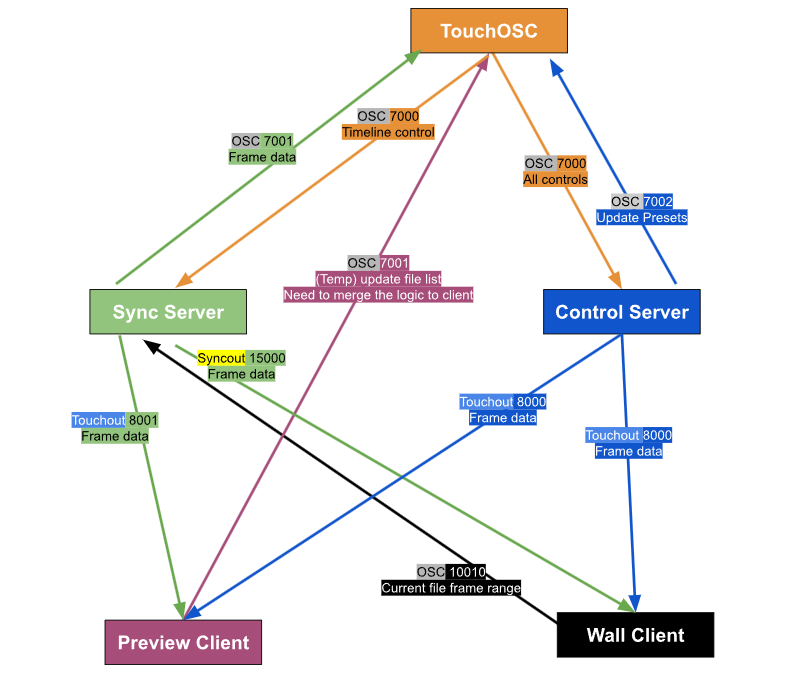
Preview client and Wall client It’s the same TouchDesigner project, which contain all the Ndisplay like projection core, virtual production tools and media management system, depends on the IP it will act like a Wall or Preview client.
Sync Server This is a TouchDesigner project, sole purpose is to general and sync data like, frame, camera tracking data… which the data need to be sync perfectly through all the wall nodes.
Control Server This is a TouchDesigner project, which manage syncing control data like media plate transform, color grading, light card, green screen, preset management… Which the data don’t need to by sync perfectly across the wall nodes.
TouchOSC I choose to use TouchOSC as our remote control interface, because it’s easy to make UI and features live, and cross platform by default. There is no need to go through build and deploy process, just simply push the TouchOSC project to PC and iPad devices.
How good is this system?
This system has been used and custimized for multiple film projects and commercial projects to play high-res plates and visuals. It supports saving multiple file sets and parameter presets, allowing fast and seamless switching between them—no need for restarting or resetting.
Used in the Following Film and TV Productions
- Stick (Apple TV+ Sports Comedy Series, 2025)
- Smoke (Apple TV+ Series, 2025)
- Listerine Commercial (Commercial, 2025 – in production)
Highlight features
Ndisplay like projection
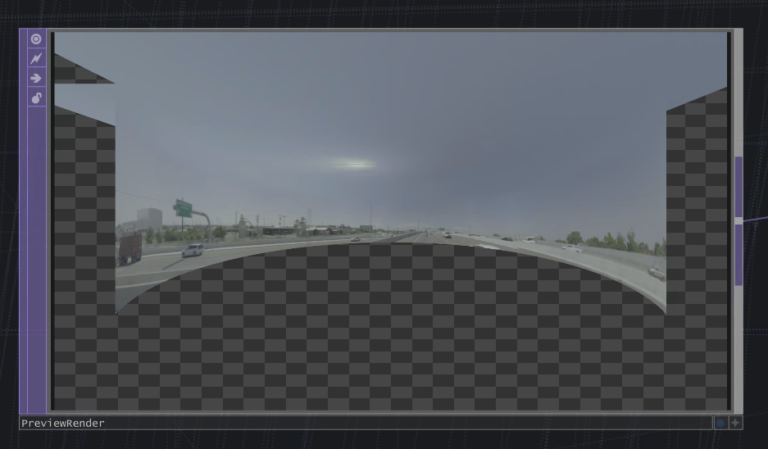
Not like some system which provide the simple UV like mapping, the system I made inspired by the Unreal Ndisplay plugin, which will project the content on the wall mesh from a viewpoint position, which provide the correct perspectives inside camera.
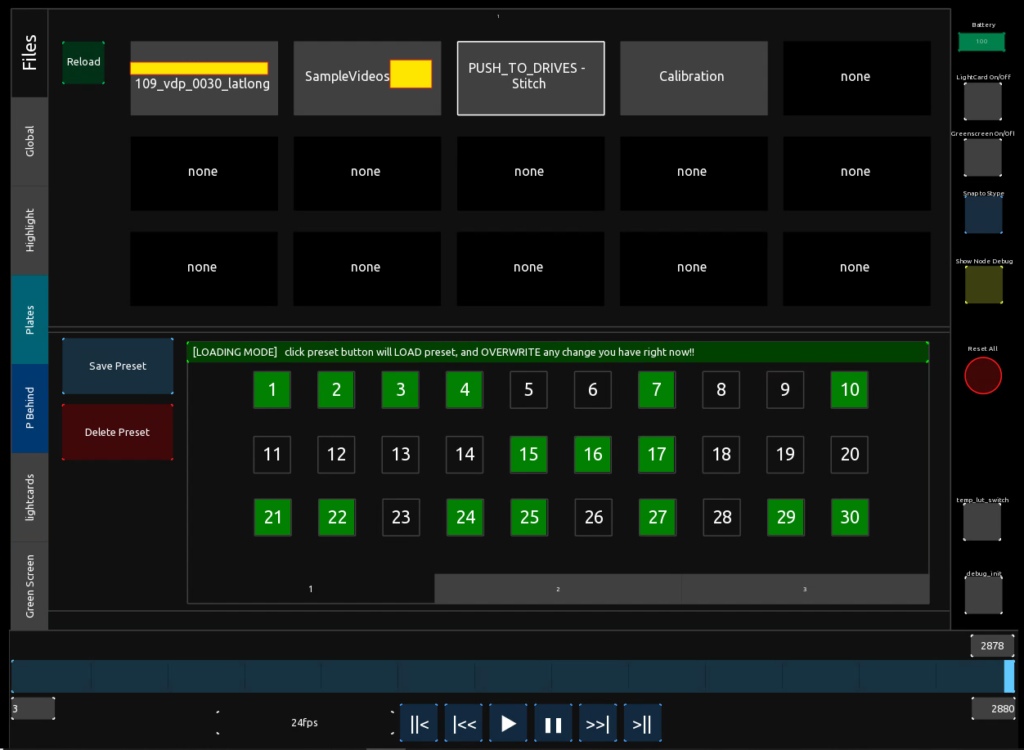
TouchOSC control console – File and preset management
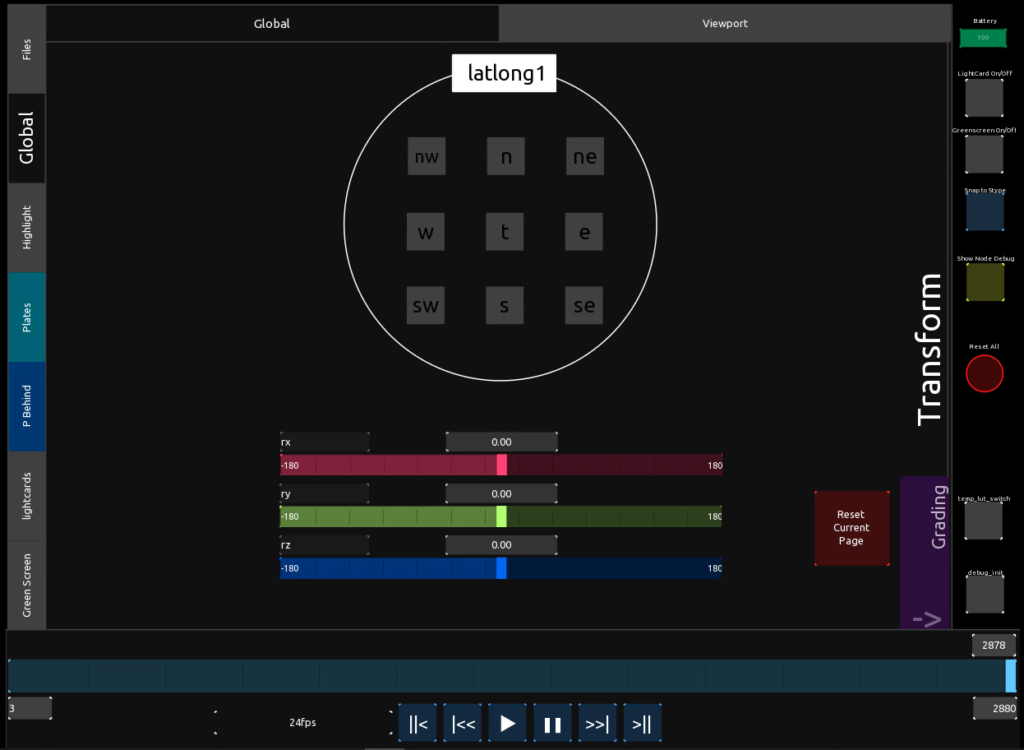
TouchOSC control console – Plate global control
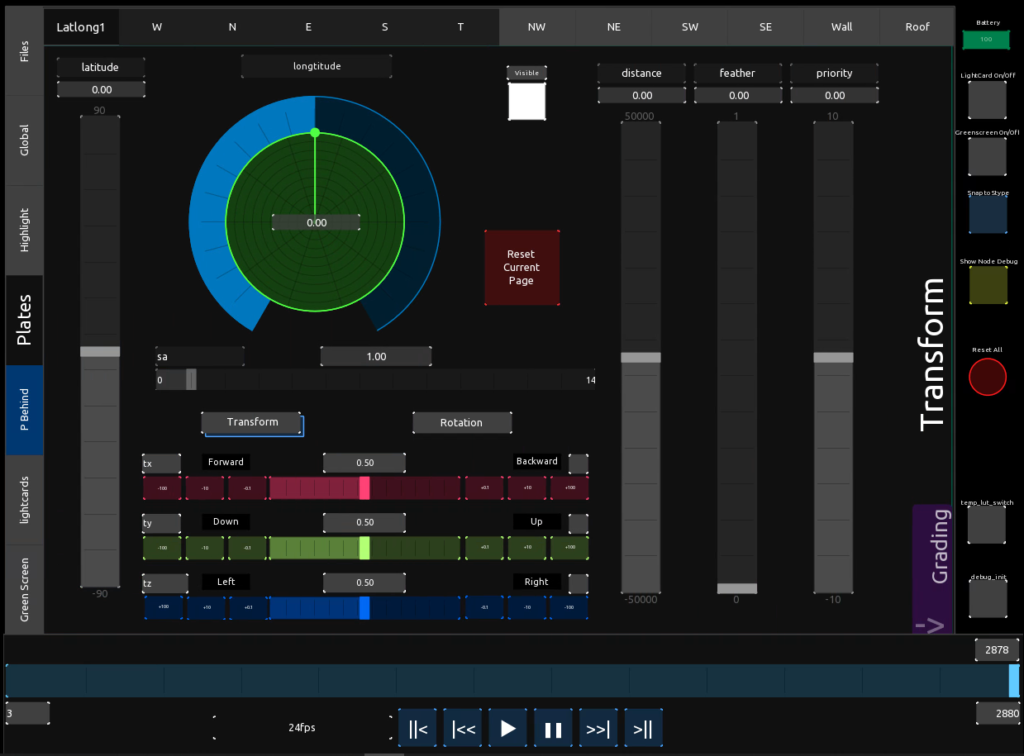
ouchOSC control console – Plate Transform
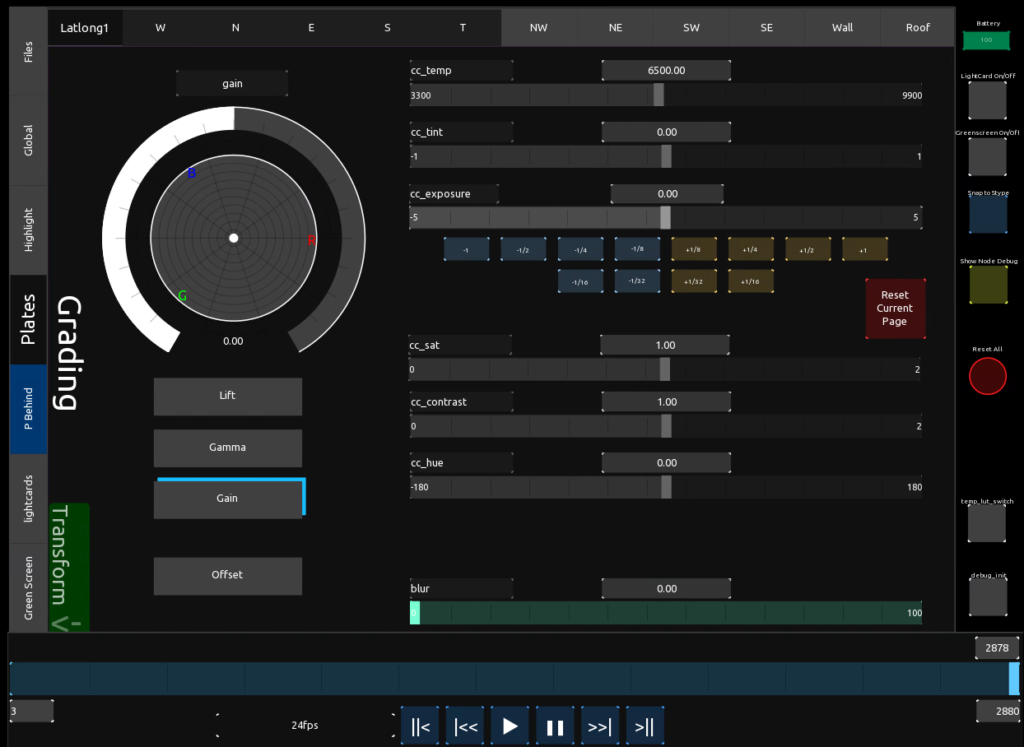
TouchOSC control console – Color Grading
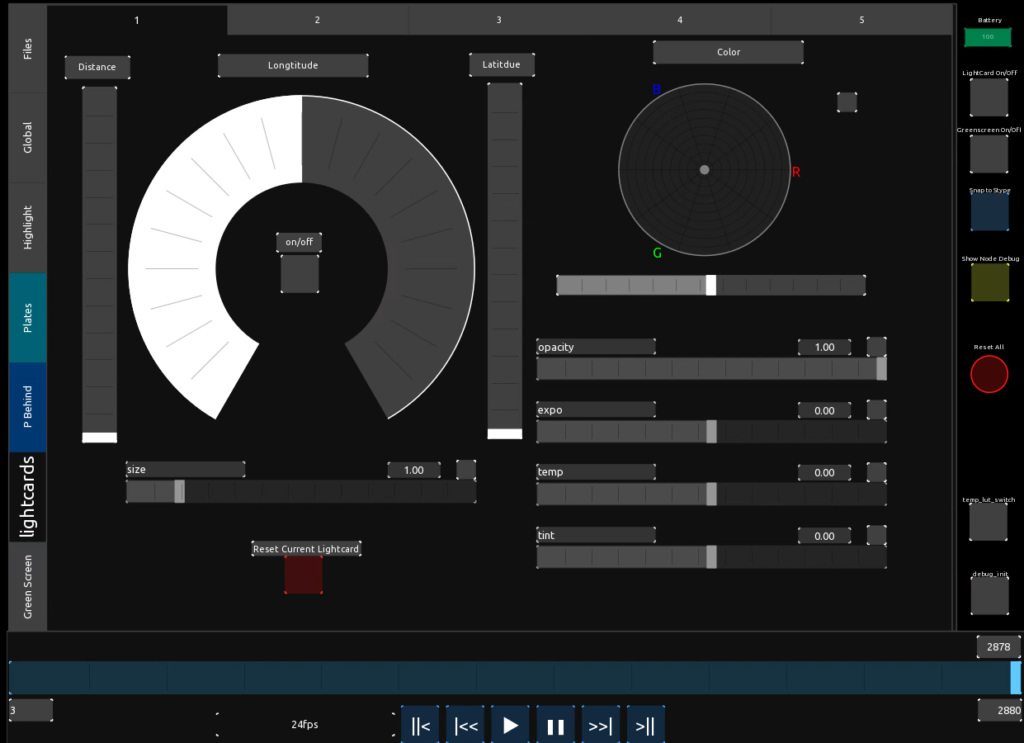
TouchOSC control console – Lightcard control
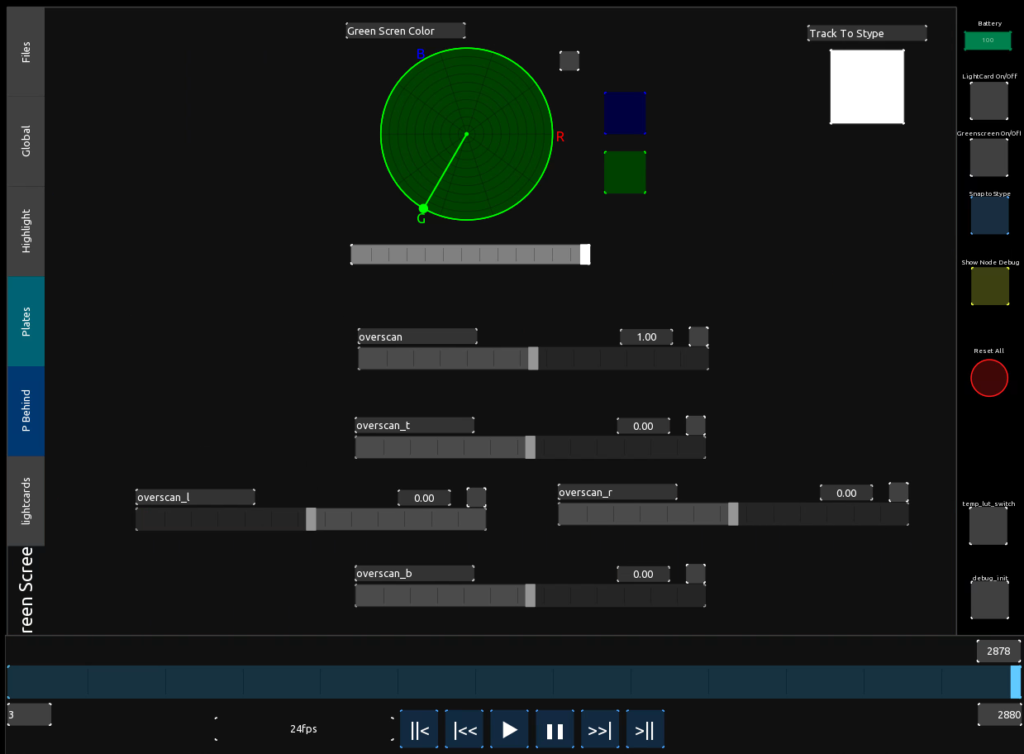
TouchOSC control console – Green screen control
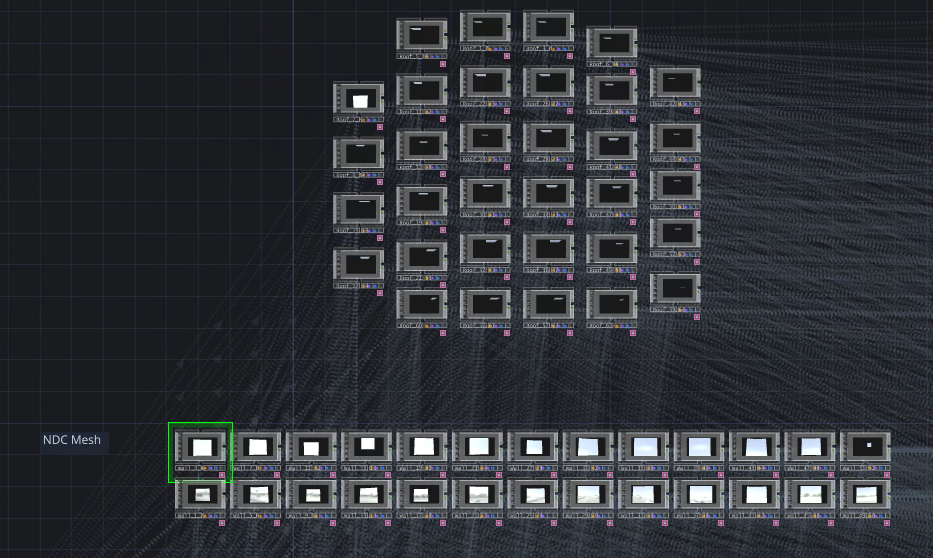
Screenshot of the TouchDesigner project:
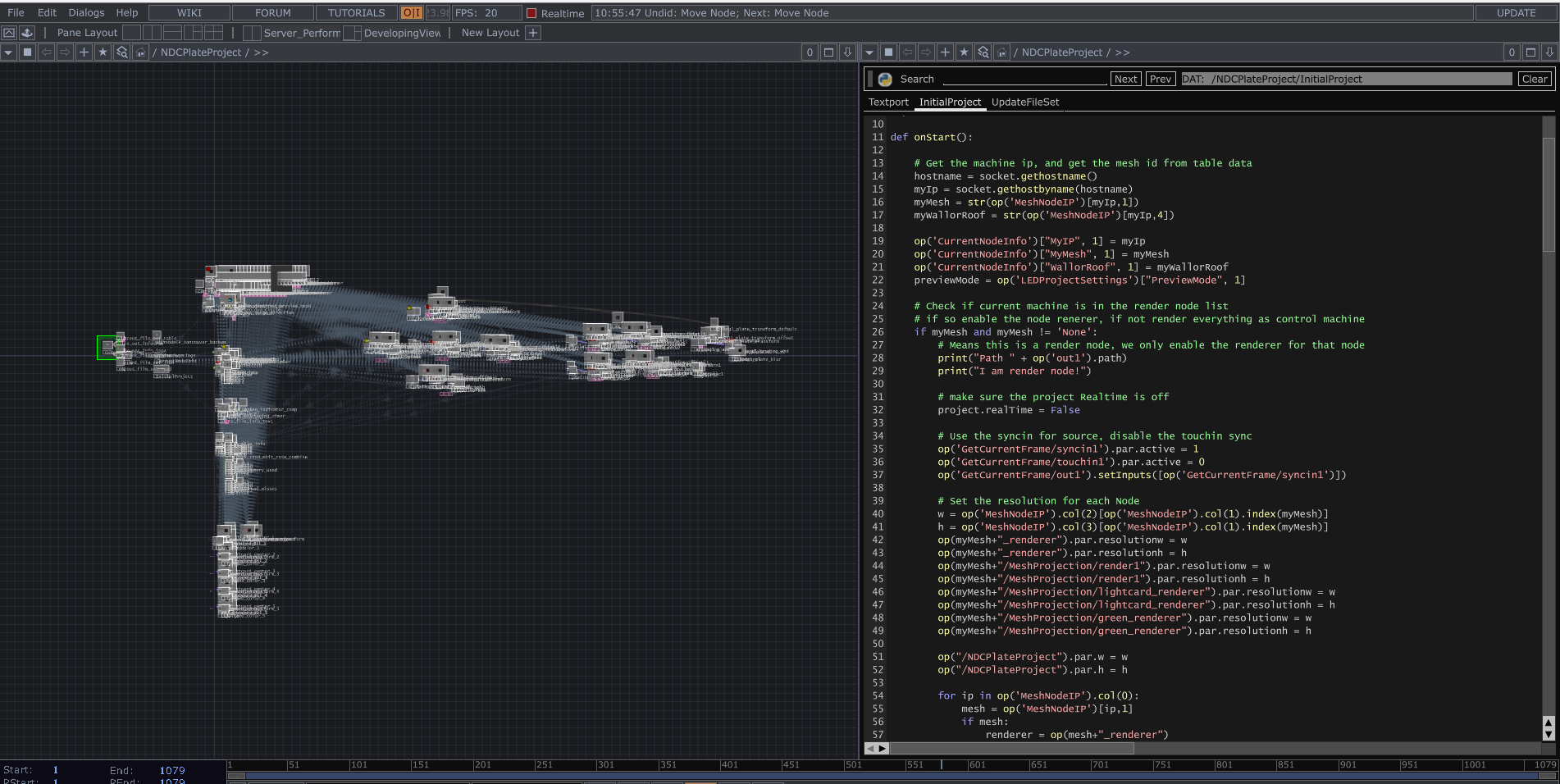
Client project.
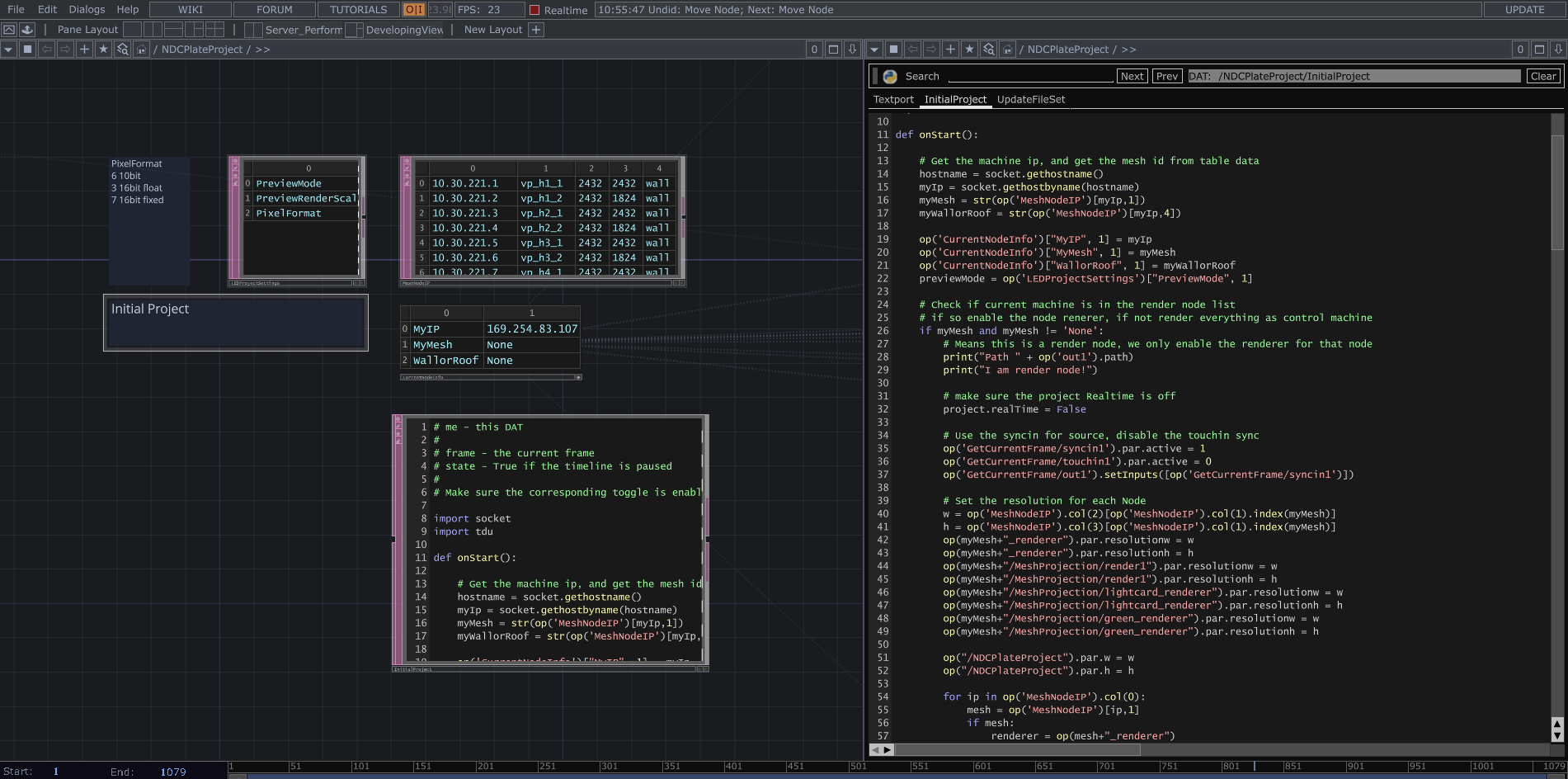
Initial project setup. Based on the role, it runs either the wall node logic or the operator logic.
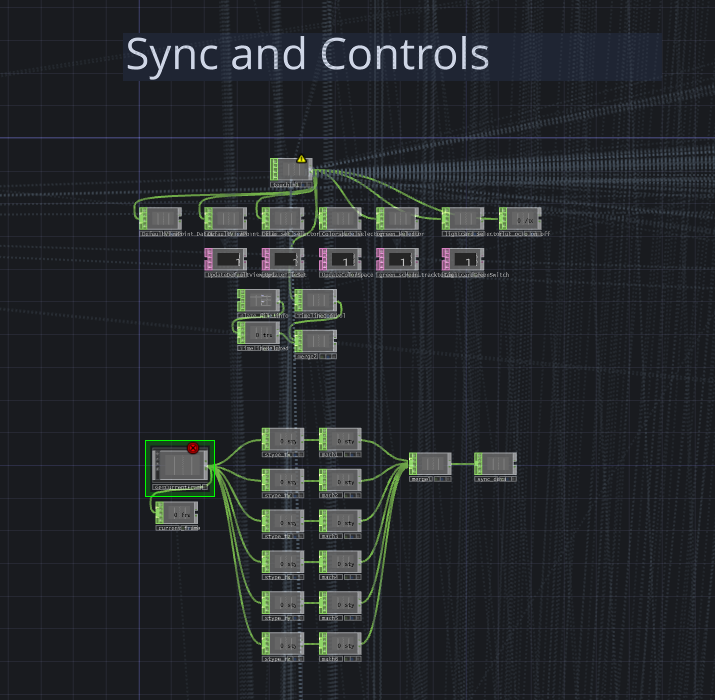
This section handles receiving the sync signal and control signals.
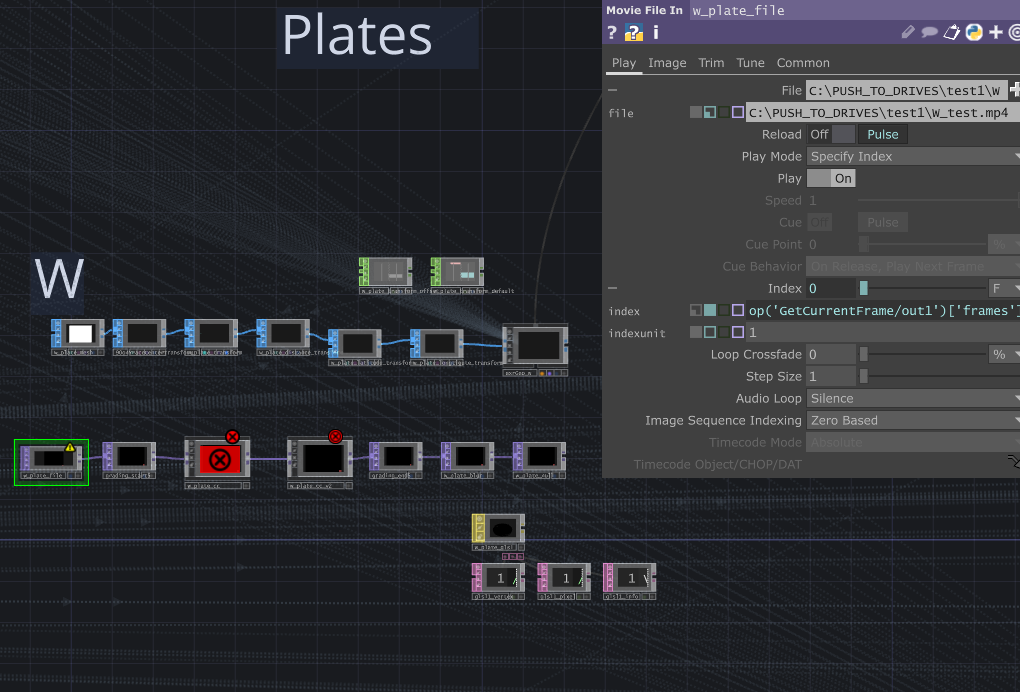
Each plate has its own set of nodes to handle plate playback, transform, color grading, edge feathering, and other playback-related controls.
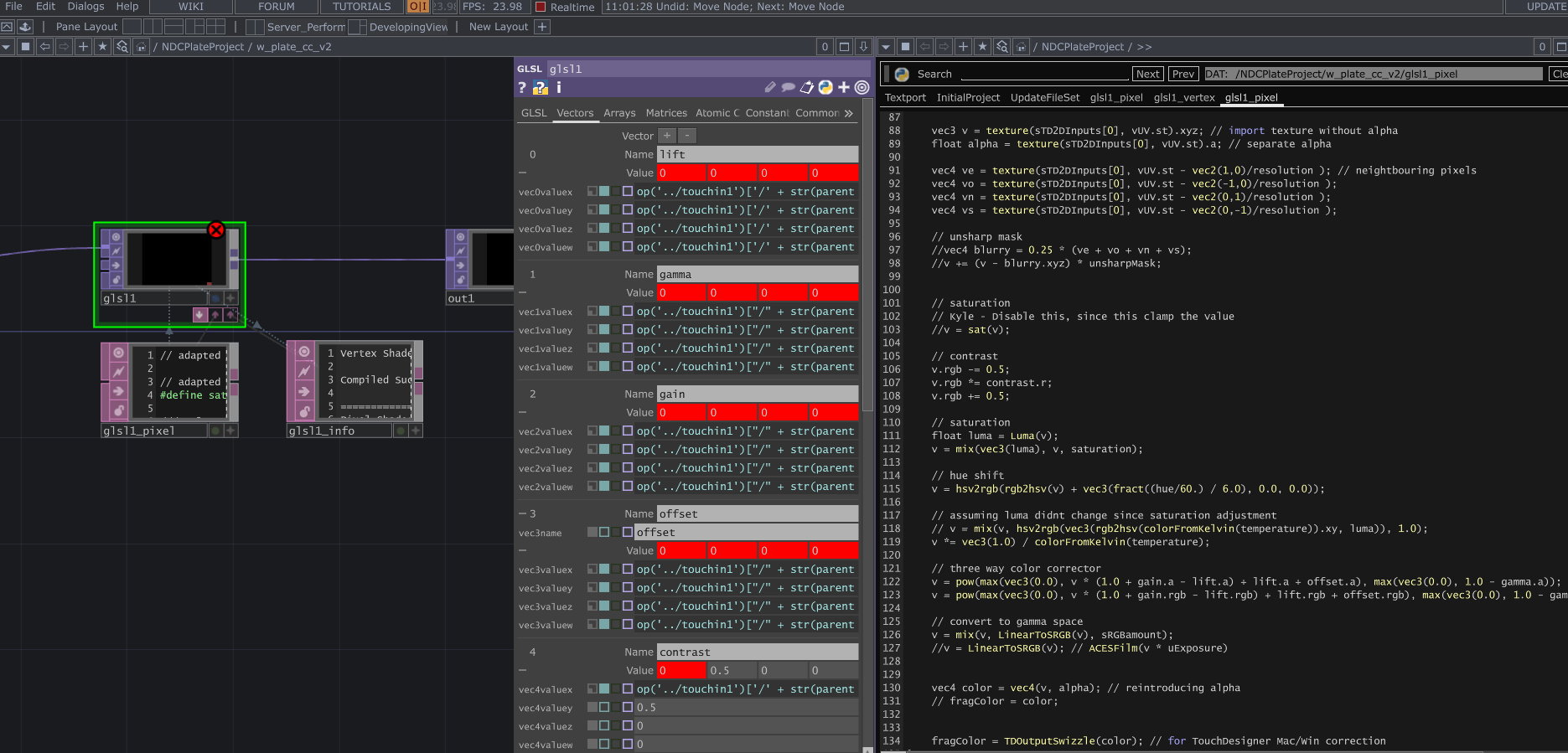
Some color grading GLSL shaders. Please ignore the red warning; it simply means that this channel has not received any OSC signal.
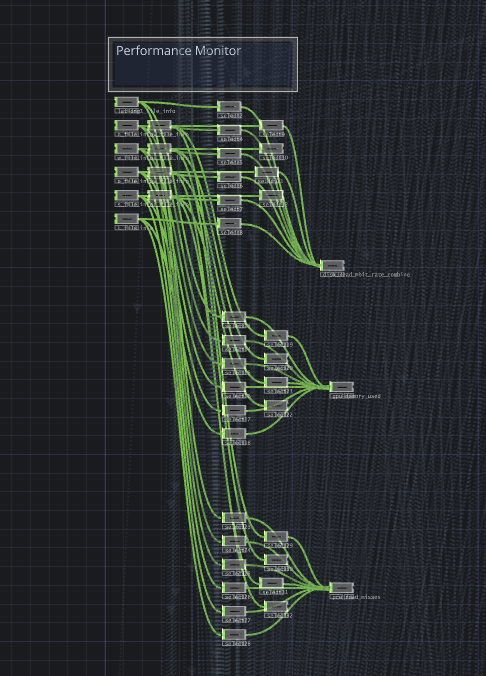
This section gathers the resources used by the current project, provides useful debugging information, and dynamically affects some rendering settings.
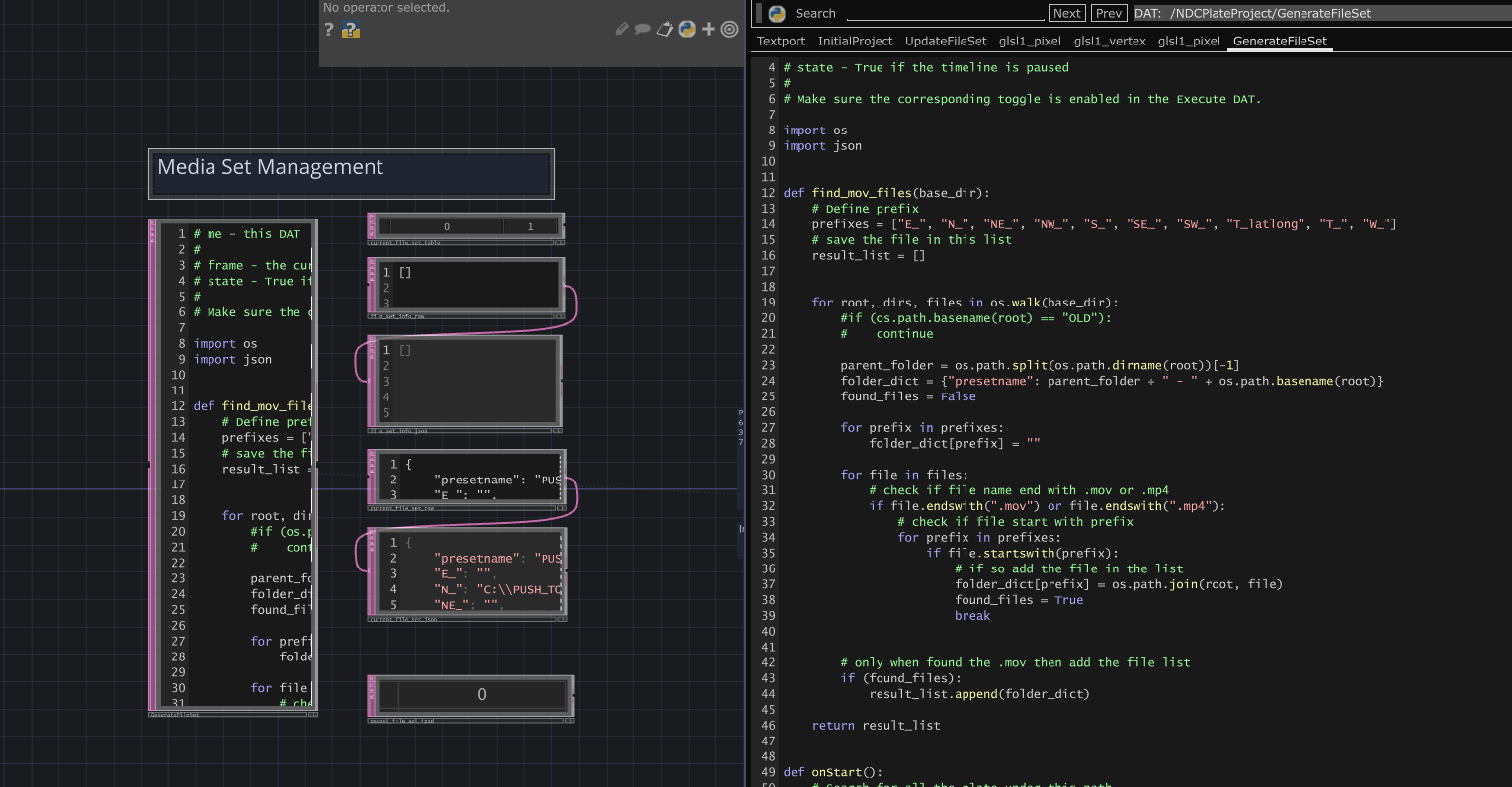
This section handles media file discovery and management.
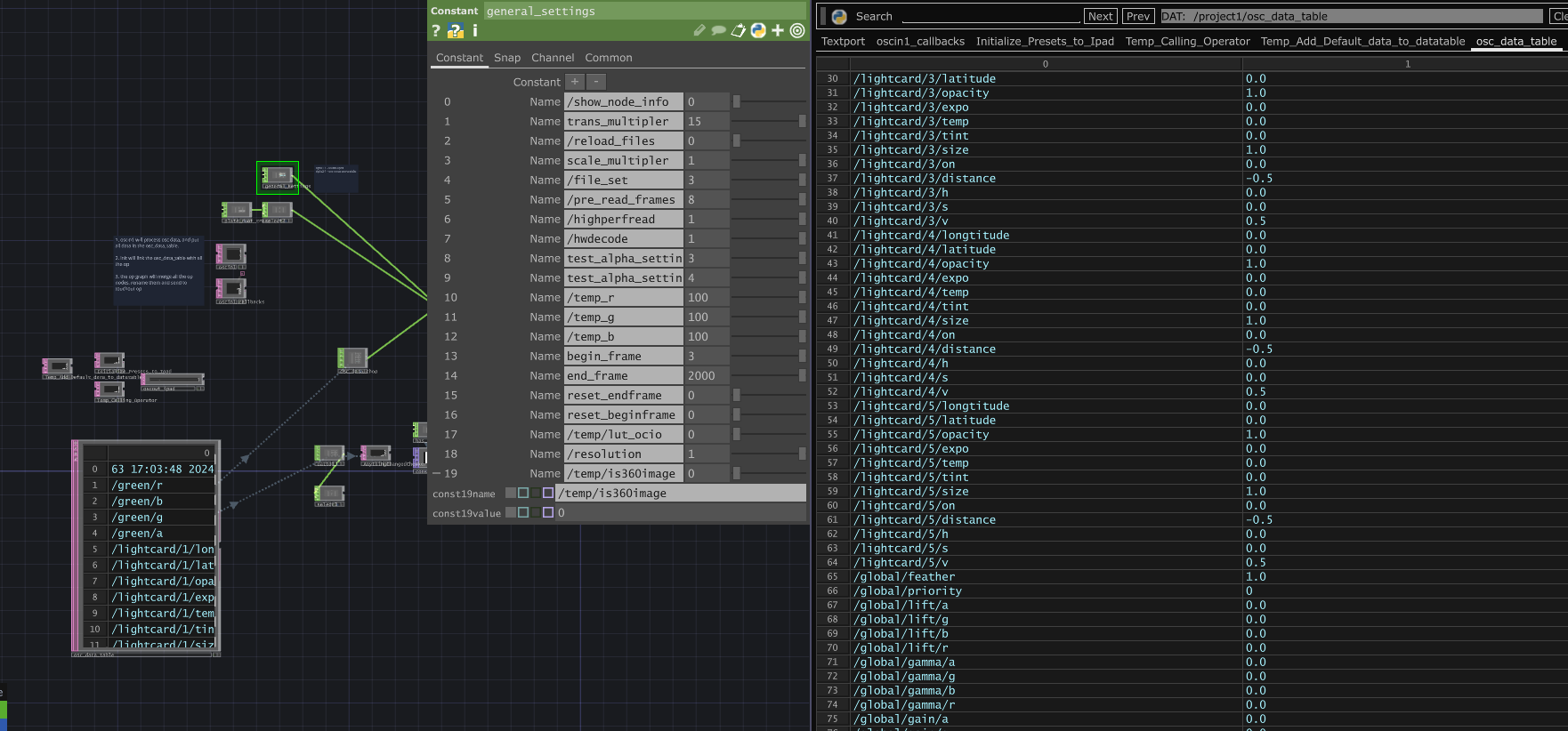
Server project. It receives OSC signals from TouchOSC and sends them to all clients using different synchronization methods. If seamless sync is required, it uses sync_out; otherwise, it uses touch_out. I also gathered all settings and control data here, and built a level snapshot feature that allows users to save the whole session and restore it easily.
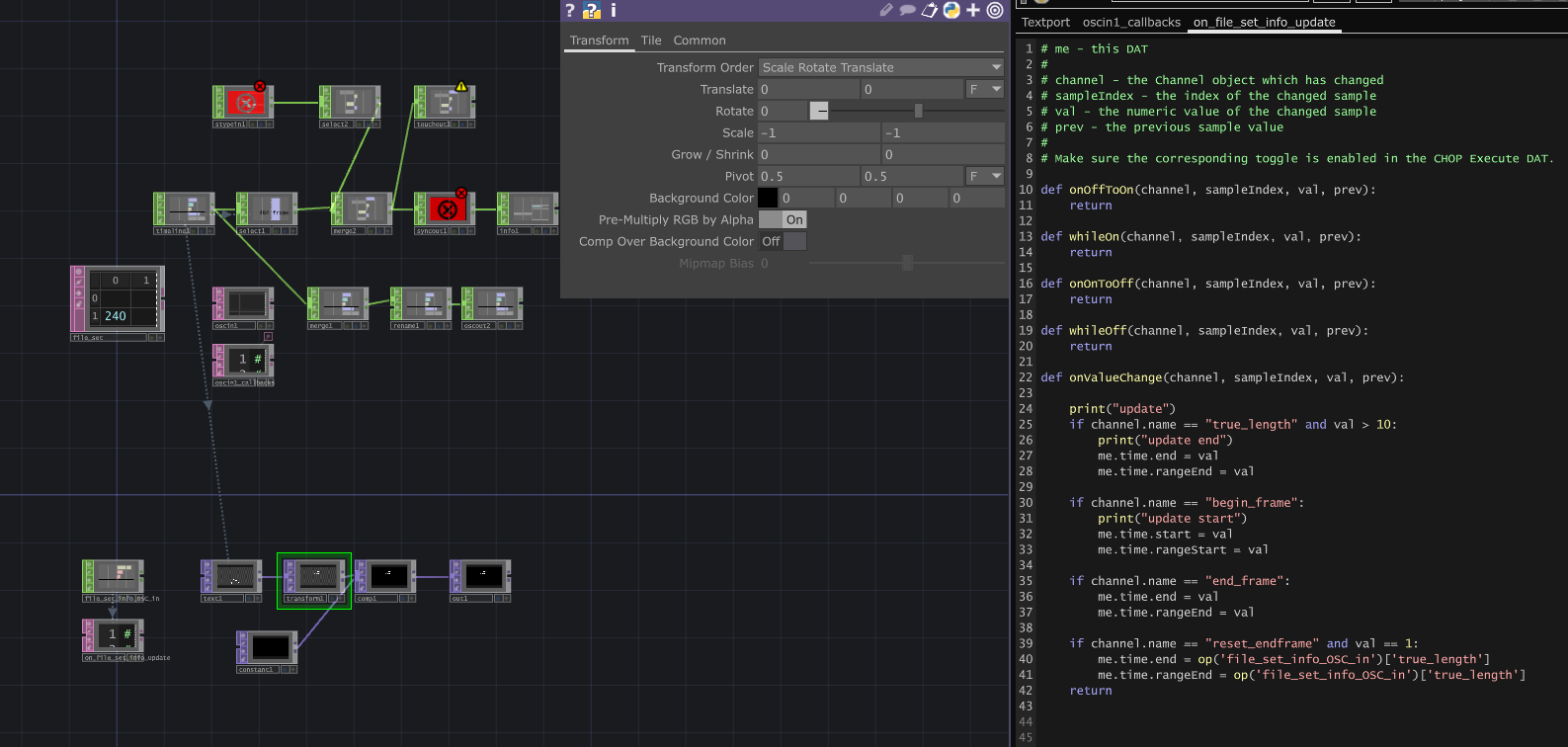
Sync server project. It does one thing only: stably produce time updates for all clients. The clients only update when the sync server triggers them to render the next frame.
My Role
- R&D the whole system, include TouchDesigner project and TouchOSC project dev.
- Intergrate new features for VP Sup on the fly during shot
- Debugging and maintain the system.